
A LinkedIn About section that wins clients follows a simple structure: open with a hook that speaks to your ideal reader’s problem, tell a short story that shows how you solve it, back it with proof, and end with a clear next step. Write it in the first person, in plain language, as if you were talking to one person. Below are the template and real-style examples you can adapt in minutes.
The About section is your profile’s sales page. Once your headline earns a click, this is where a prospect decides whether you understand their problem and can be trusted with it. Most people waste it on a dry résumé summary. Done right, it does the quiet work of turning a visitor into a lead.
What makes a great LinkedIn About section?
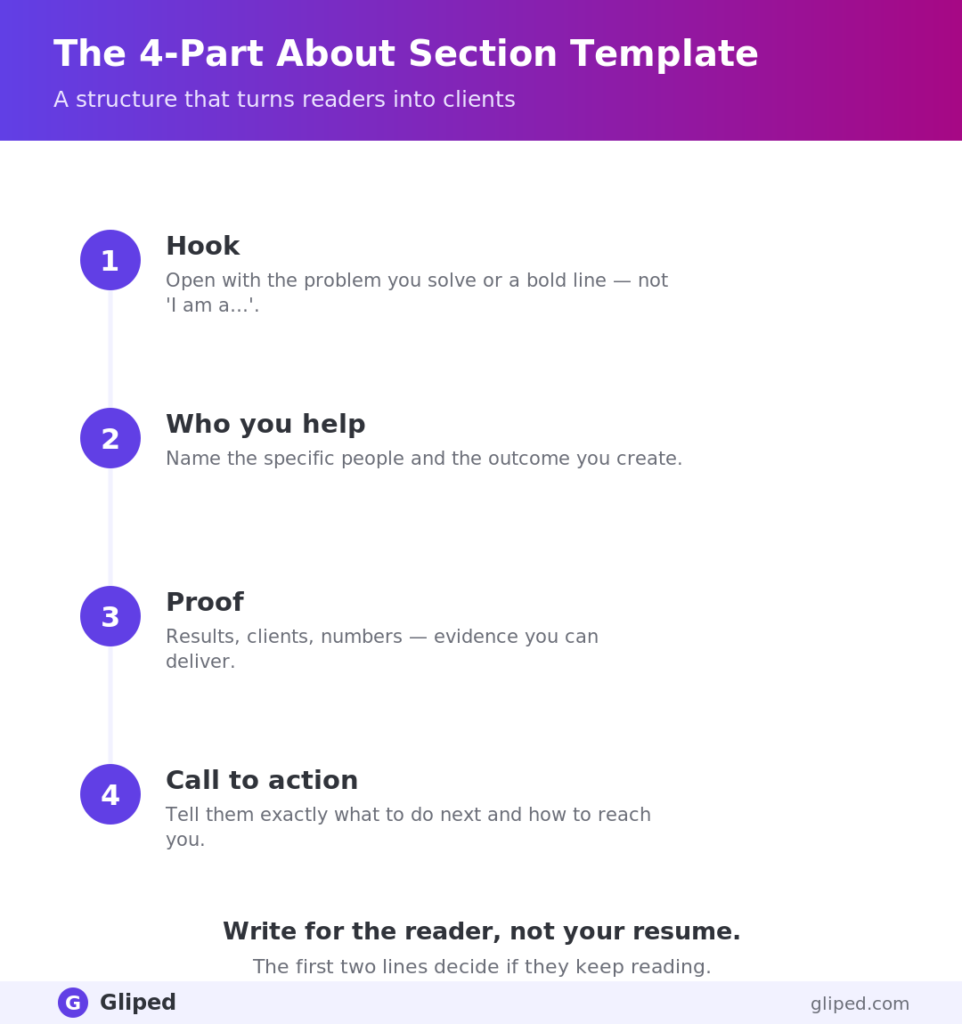
The four-part template
- Hook (1–2 lines): name the problem your ideal client feels, or make a sharp statement about what you do. This decides whether they read on.
- Story / how you help (2–3 short paragraphs): explain who you help, the transformation you create, and how you do it — in plain, first-person language.
- Proof (a few lines): results, numbers, notable clients, credentials, or press. Evidence that you deliver.
- Call to action (1–2 lines): tell them exactly what to do next — book a call, send a message, check your Featured section.
Sprinkle your target keywords naturally through all four parts, since the About section feeds LinkedIn search as well as human readers.
Example 1: Founder / agency owner
Most founders know they should be building a personal brand on LinkedIn. Almost none have the time.
That’s the gap I close. I run [Company], where we turn busy founders into recognized voices in their space — capturing your thinking and turning it into a consistent, strategic presence that actually drives inbound leads.
Over the last three years we’ve helped 200+ founders generate millions of impressions and a steady stream of qualified conversations, without them writing a single post themselves.
If you want LinkedIn to work for your business instead of sitting idle, send me a message or book a free growth call in my Featured section.
Example 2: Consultant / coach
First-time CEOs are handed a title, not a manual. The result is usually the same: overwhelmed, isolated, and unsure who to trust.
I’m an executive coach who helps new CEOs move from reactive to in-control, usually within 90 days. Before coaching, I spent 15 years in operating roles, so I’ve sat in the seat — this isn’t theory.
My clients have gone on to raise, scale, and, more importantly, lead without burning out. A few of their words are in my Recommendations below.
If that’s the season you’re in, let’s talk — DM me ‘CEO’ and I’ll share how I work.
Example 3: Job seeker / professional
I turn messy, mistrusted data into decisions leaders act on.
As a senior data analyst across fintech and SaaS, I’ve built the dashboards and models that shaped product and revenue calls for teams serving millions of users — translating SQL and Python into answers non-technical leaders can use.
Recent wins: cut reporting time by 60%, surfaced a churn driver worth [X] in retained revenue.
I’m currently open to senior analytics roles. If you’re building a data function that drives decisions, not just charts, let’s connect.
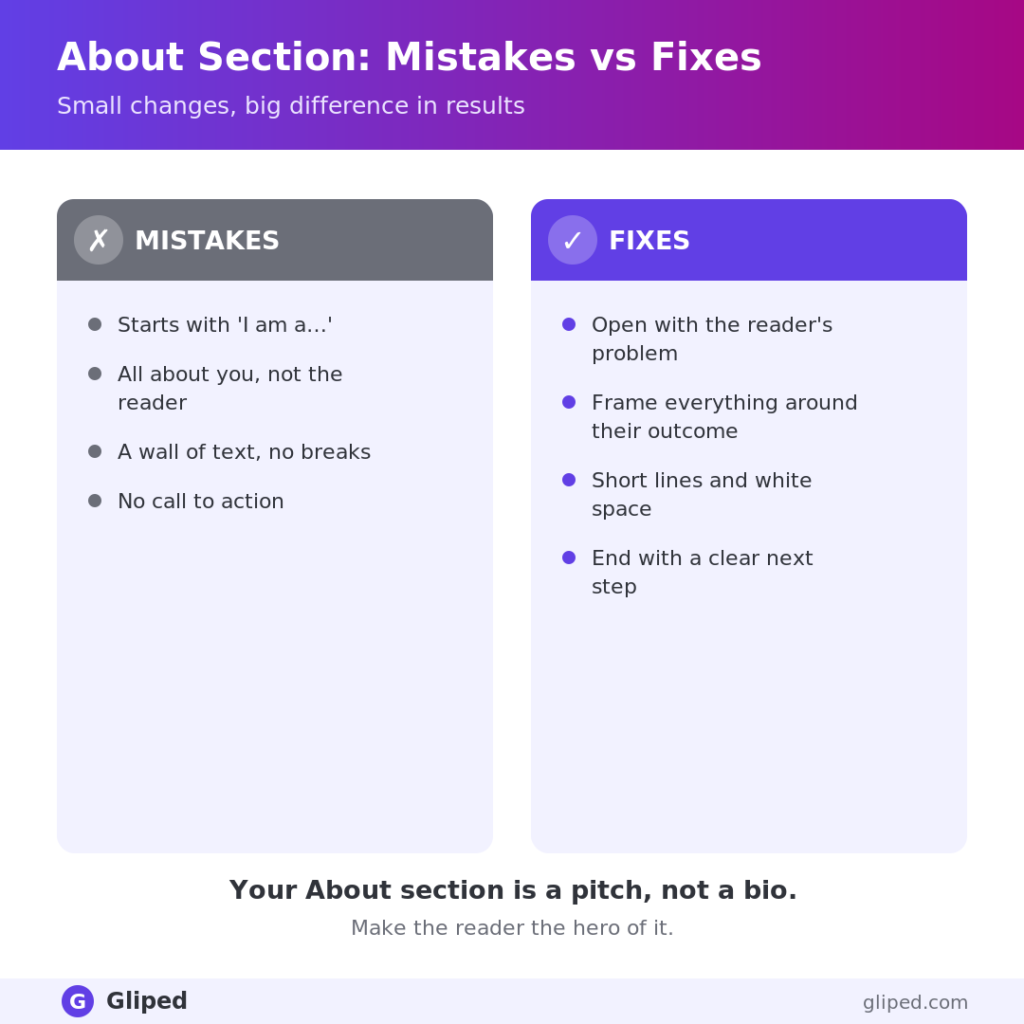
Common About section mistakes
- Writing in the third person — it reads as distant and corporate; use “I”.
- Leading with your job title and career timeline instead of the reader’s problem.
- Listing responsibilities with no outcomes or proof.
- No call to action — leaving a ready-to-act reader with nowhere to go.
- A wall of text — break it into short, scannable paragraphs with white space.
How to write yours
Start with the template. Draft each of the four parts quickly and roughly before you polish. Then read it aloud: if it sounds like something you’d genuinely say to a prospect over coffee, you’re close. Trim anything vague, add one concrete proof point, and make sure the final line tells the reader exactly what to do. Pair a strong About section with an optimized headline and a proof-filled Featured section, and your profile quietly sells for you around the clock.